API Tokens
API tokens authenticate automation against the Webhookr API — most commonly the Terraform provider. A token authenticates as your user and is sent as a Bearer token.
Tokens look like:
whk_<random>
Where to manage tokens
Tokens are managed under Settings → API tokens (/dashboard/settings).
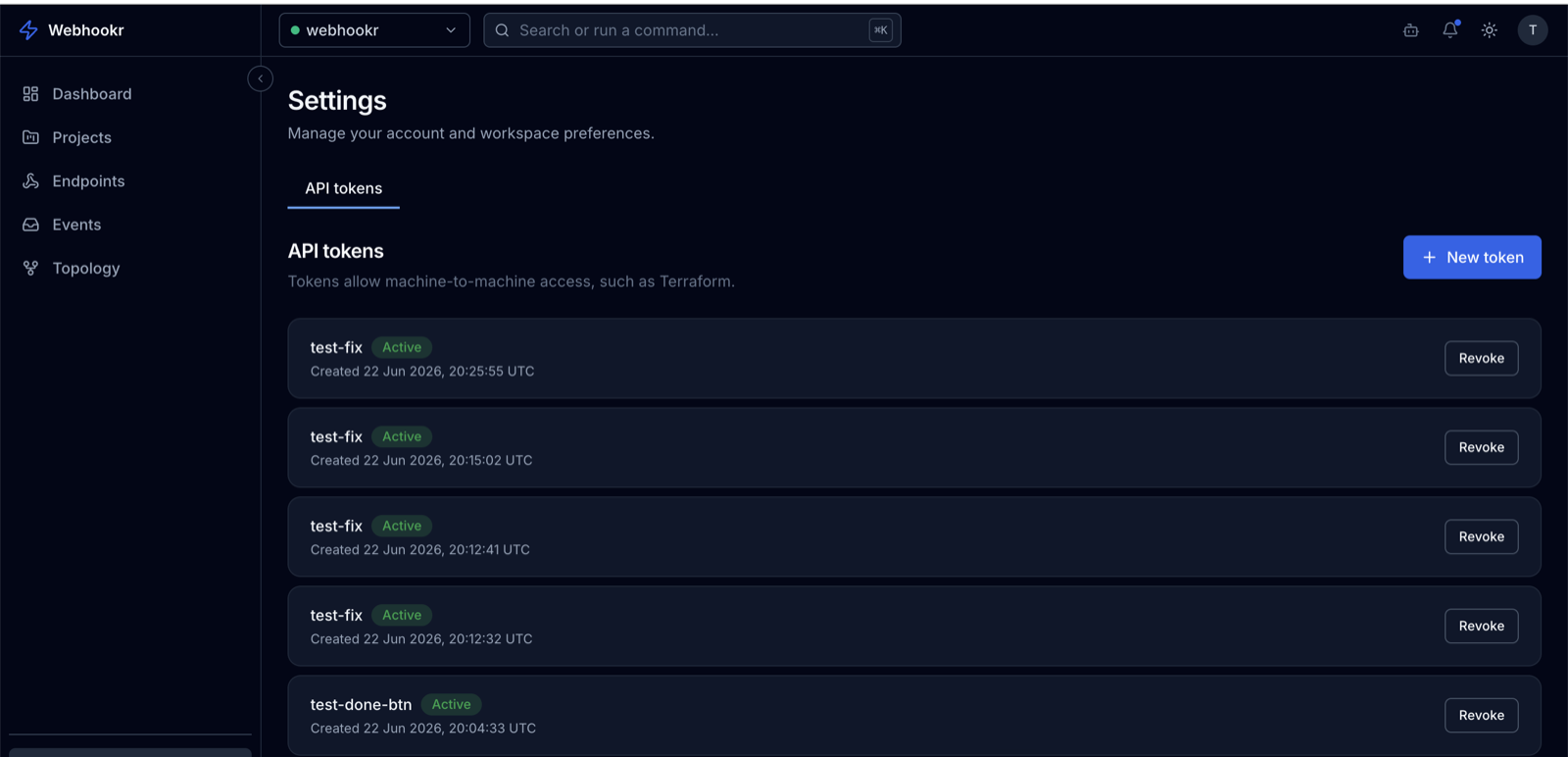
Create a token
- Go to Settings → API tokens.
- Click Add token (or Create token).
- Provide a name and an optional description to identify where it's used.
- Create it.
:::warning Copy it now The full token value is shown only once, at creation time. Copy it immediately and store it in a secret manager or environment variable. Webhookr stores only a hash of the token — it cannot show you the value again. :::
Use a token
Send the token in the Authorization header:
Authorization: Bearer whk_xxxxxxxxxxxxxxxxxxxxxxxx
For Terraform, supply it via the WEBHOOKR_API_TOKEN environment variable — see Terraform → Authentication.
Revoke a token
To revoke a token, open the API tokens tab and choose Revoke on the token. Revocation is immediate — any automation using it will start failing authentication. Revoke and replace a token if it may have been exposed.
How tokens are stored
- Webhookr stores only a hash of each token, never the raw value.
- The token itself is managed by Webhookr's identity layer (Firebase) and is not recoverable from the Webhookr database.
- Each token records when it was created, last used, and (if applicable) when it expires or was revoked.
See the API Tokens concept for details and Token permissions for scope.