Endpoints
An endpoint is a public URL that receives webhook events for a project. Each endpoint has a unique slug and can forward events to one or more destinations.
Endpoints list
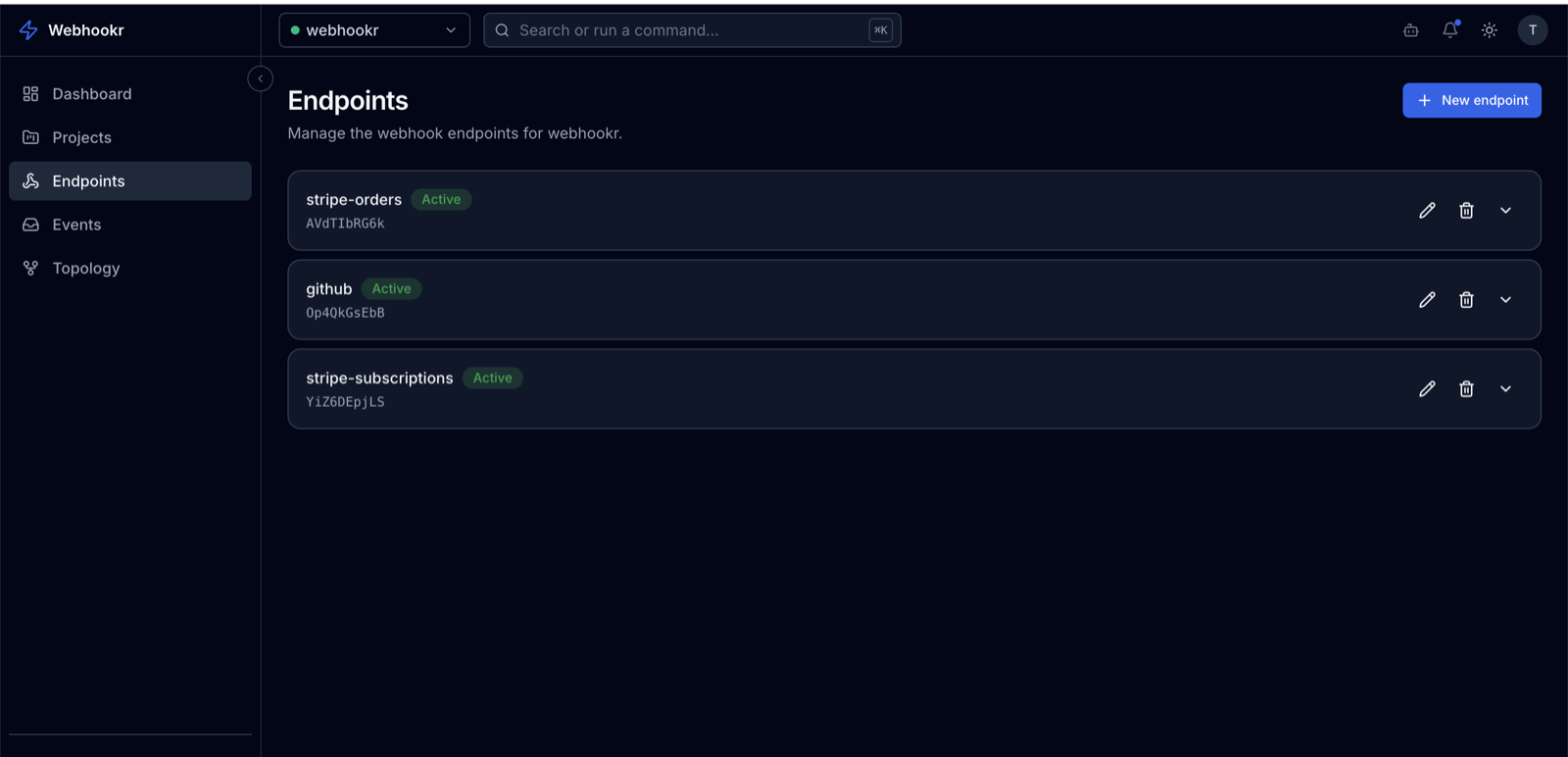
Endpoints (/dashboard/endpoints) lists every endpoint in the selected project with its name and status.
Creating an endpoint
- Click New endpoint (
/dashboard/endpoints/new). - Enter a name (up to 100 characters).
- Create it.
Webhookr generates the slug automatically — you don't choose it. The slug is URL-safe and unique across Webhookr. Your ingest URL is:
https://api.webhookr.tech/v1/ingest/<endpoint-slug>
New endpoints are active by default and accept events immediately.
Endpoint details
Open an endpoint (/dashboard/endpoints/<id>) to see:
- Its name and Active / Inactive status.
- Webhook activity for the endpoint over the last 7 days (the same metrics as the dashboard, scoped to this endpoint).
- A link to edit the endpoint and to manage its destinations.
Active vs. inactive
An endpoint's isActive flag controls whether it accepts incoming events:
- Active — incoming requests are accepted and stored (
202 Accepted). - Inactive — incoming requests are rejected. Use this to pause an endpoint without deleting it.
Toggle this by editing the endpoint (/dashboard/endpoints/<id>/edit).
The slug
- Generated by Webhookr; URL-safe and unique.
- Used only in the ingest URL path:
/v1/ingest/<slug>. - Slugs accept letters, numbers, hyphens, and underscores, up to 64 characters. A request to an unknown or malformed slug returns
400or404— see Troubleshooting.
Next
- Add forwarding targets in Destinations.
- See what arrived in Events.
- The Endpoints concept covers the data model.